 Sketella
Schedules are often trapped in images and files
Event details often arrive as a poster, a school timetable, a travel itinerary, a conference agenda, a PDF attachment, a forwarded note, or a screenshot from another app. Copying every date and time by hand is slow and error-prone.
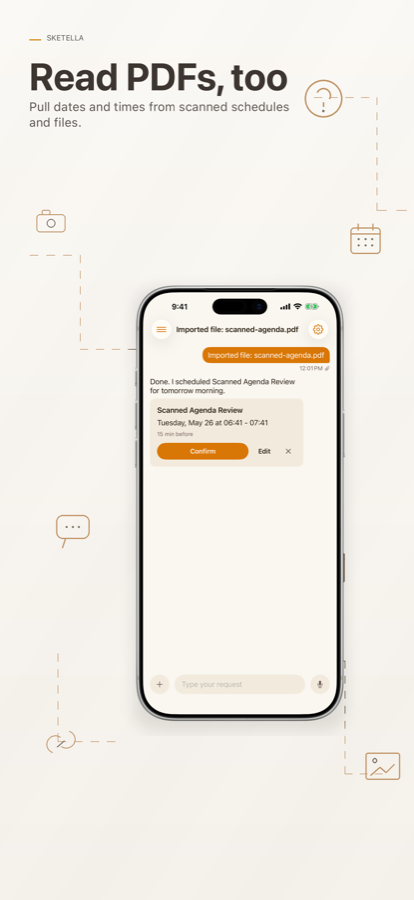
Sketella gives you a review step between extraction and saving. It reads the source, proposes one or more calendar entries, and waits for confirmation.
Useful source types
- Event posters with dates, times, and locations.
- Class schedules and recurring activities.
- Travel confirmations and itinerary PDFs.
- Meeting agendas with multiple time blocks.
- Shared text, links, and files from other iPhone apps.
Review before saving
Sketella is not a blind importer. The app shows the proposed title, date, time, calendar, alerts, recurrence, and reminder details before it writes to Apple Calendar or Reminders.
If something is missing, Sketella can ask a follow-up question. If the source contains several events, it can split them into separate drafts.
Privacy model
Your confirmed events are saved to Apple Calendar and Reminders. Sketella stores chat history locally on your device. AI processing is routed through a secure server proxy so provider keys are not exposed in the iOS app.